From service call to panel upgrade, it all stays connected.
ServCTRL is built for the small electrical shop, from the troubleshooting call to the panel upgrade that takes two visits. You quote it flat-rate, the schedule warns you before you double-book a tech, and the invoice bills what the customer signed, change orders included.
Free during beta. No demo call, no credit card, no contract.
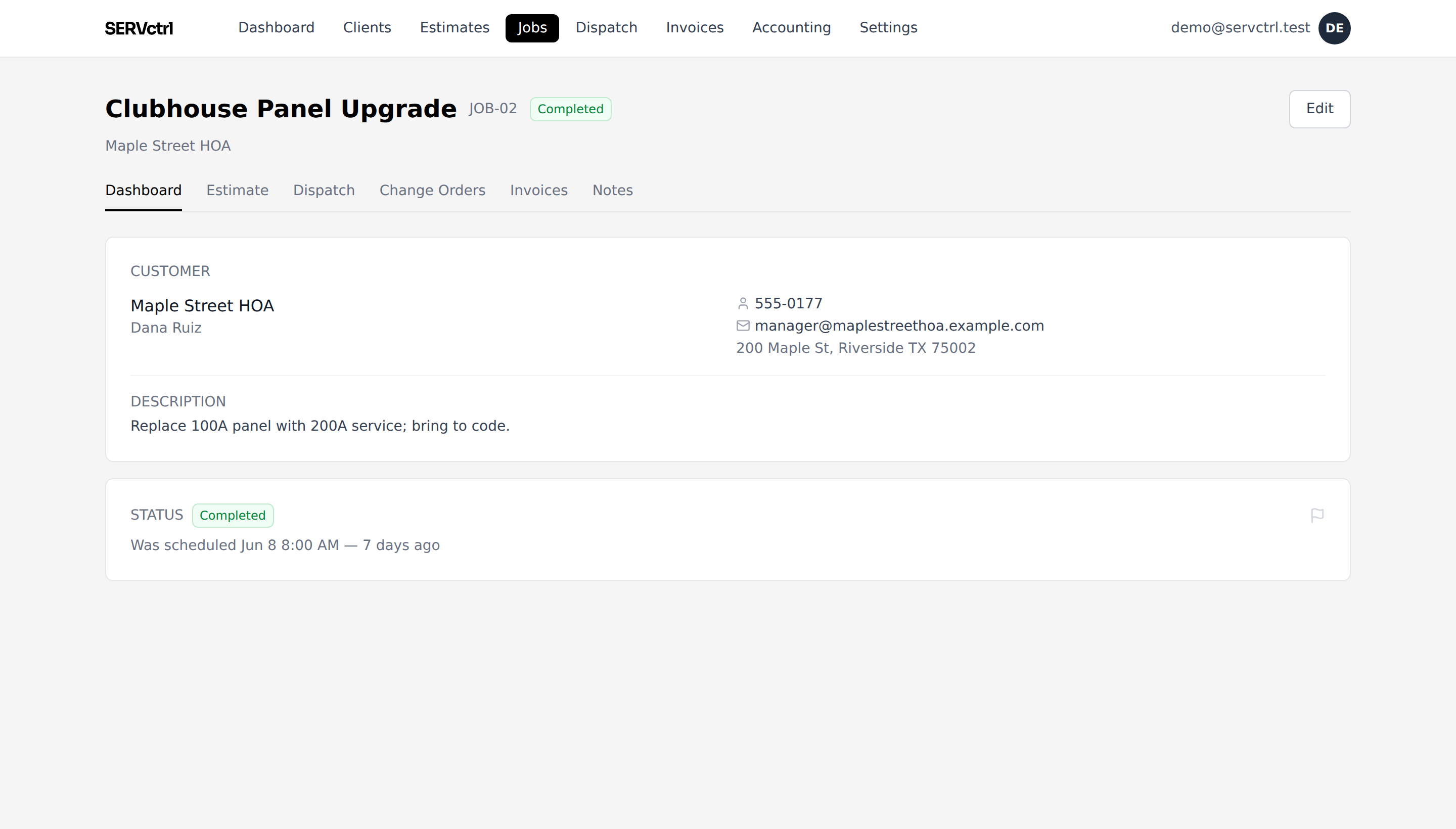
A panel upgrade, start to finish
- 1
Bid the job
Build a flat-rate estimate: "Upgrade panel to 200A," plus labor at your master-electrician rate. Send it as a link the customer e-signs.
- 2
Schedule the visits
Rough-in and finish run as chained trips on one job. Move the rough-in and the dependent finish trip follows. Collect a deposit up front.
- 3
Handle scope on site
When the tech finds a code issue mid-job, they propose a change order with a price and photos right from the field. You approve it and it adds to the contract, so the extra work gets billed instead of forgotten.
- 4
Bill what the customer signed
On a bigger job you can bill part of the contract as the work moves along, and hold a slice back until the customer signs off at the end. Every invoice comes from the bid plus approved change orders, not a timesheet.
A price book in electrician’s language
Build your catalog once and every tech quotes the same price. A few lines an electrical shop might carry:
- Upgrade panel to 200A service
- Replace breaker
- Install EV charger circuit
- Add 20A dedicated circuit
- Replace failed GFCI
- Whole-home surge protector
- Troubleshoot dead circuit (diagnostic)
- Install ceiling fan / fixture
Everything the shop needs, nothing it doesn’t.
Your prices, on every truck
Stop guessing a price in the customer's driveway. You set your prices once, in your own price book, and every tech builds the bid from the same list. The new hire quotes the same number you would.
Learn moreStop double-booking your crews
No more sending two trucks to the same time slot. When you assign a job, ServCTRL checks the calendar and flags the clash right away. Drag the trip to another opening or another crew and it’s fixed.
Learn moreEstimates customers sign from their phone
Text a link instead of leaving a paper quote to die on the kitchen counter. The customer reads it, signs it, and picks a time that works for them. And you see the moment they do.
Learn moreGood/Better/Best options
Put the repair, the replacement, and the upgrade on one bid. The customer compares the options on their phone and picks one, and that’s what you bill. Other tools charge extra for this. Here it’s included.
Learn moreInvoices with nothing to add up
Bill the job the day it’s done. The invoice starts from what the customer signed, so there’s no math and no hours to log. Take a deposit up front, or bill part of the job as the work moves along.
Learn moreA field app that lives on a phone
Your guys run the whole stop from their phones. They tap when they’re on the way, tap when they’re done, snap photos, and text the customer the pay link before they leave the driveway. No laptop in the cab, and no calling the office for the address.
Learn moreChange orders, signed in the field
The extra work you do on site is the work you forget to bill. A tech adds it as a change order on the spot, the customer signs off, and it drops onto the invoice, so you actually get paid for it.
Learn moreGet paid faster
Quit floating your customers an interest-free loan. Text the pay link before you pull out of the driveway; they pay by card or ACH and it lands in your own Stripe account. Deposit up front, the rest when it’s done.
Your books stay easy
When your bookkeeper asks for the quarter, export every invoice and payment for any date range with one click. The file opens clean in Excel or QuickBooks, so nobody spends an evening retyping invoices into a spreadsheet.
Learn moreQuestions, answered.
Is ServCTRL built for electrical specifically?
It’s built for service-call trades, and electrical work fits it end to end: flat-rate quoting from the Rate & Price Book, change orders when the job grows on site, and billing straight from the signed bid. Sign-up starts you with an electrical price book you edit to your own market.
Does it handle change orders on a signed job?
Yes. When a signed job grows on site, you write a change order instead of redoing the bid. The customer e-signs it and the price adds to the contract. Your tech can even propose one from the field.
Can I bill in stages with retainage?
Yes. Collect a deposit up front, then bill pieces of the contract as the work moves along. If the job calls for retainage, you can hold a percentage back and release it with one invoice at the end.
How long does setup take?
An afternoon. A seeded price book and a short checklist get you quoting real jobs the same day. No onboarding gauntlet.