The whole job, in a pocket.
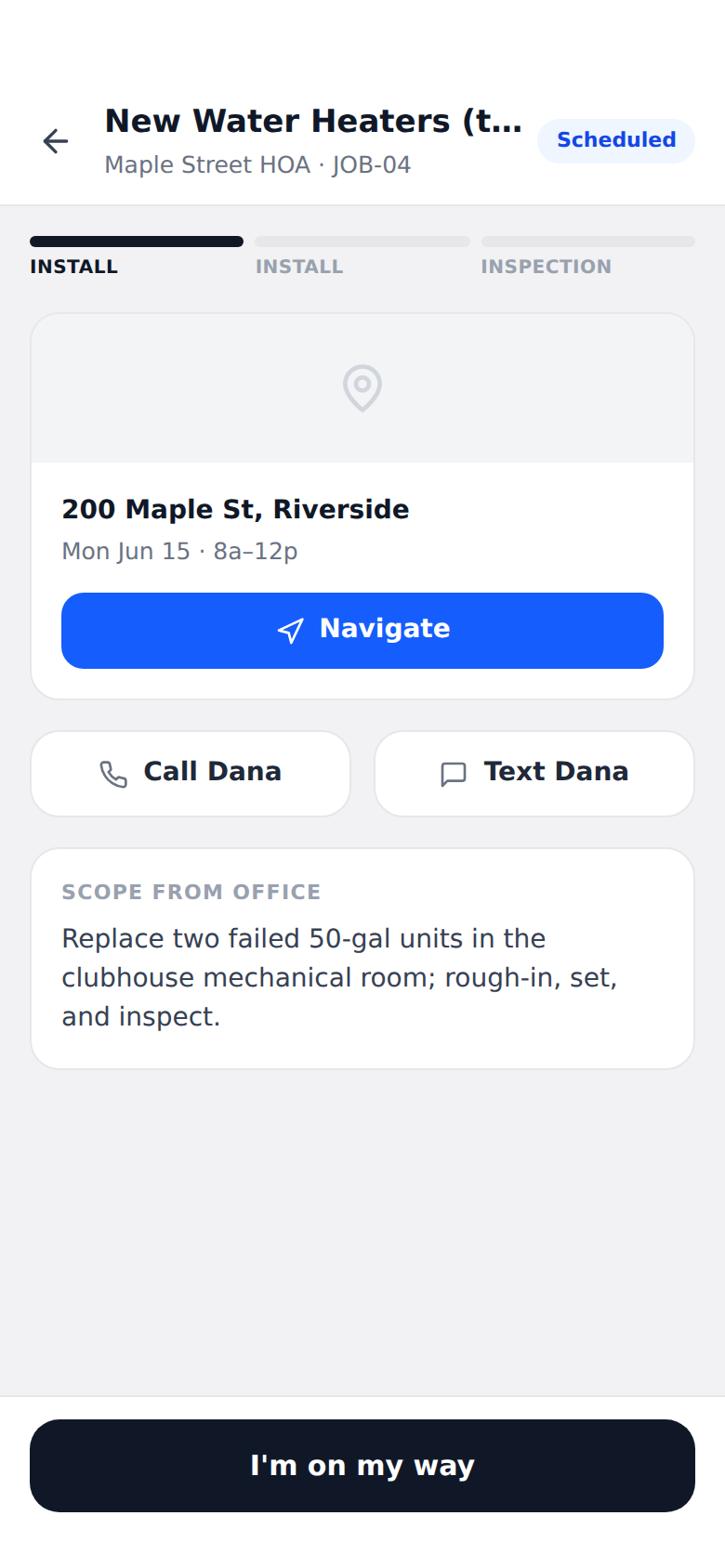
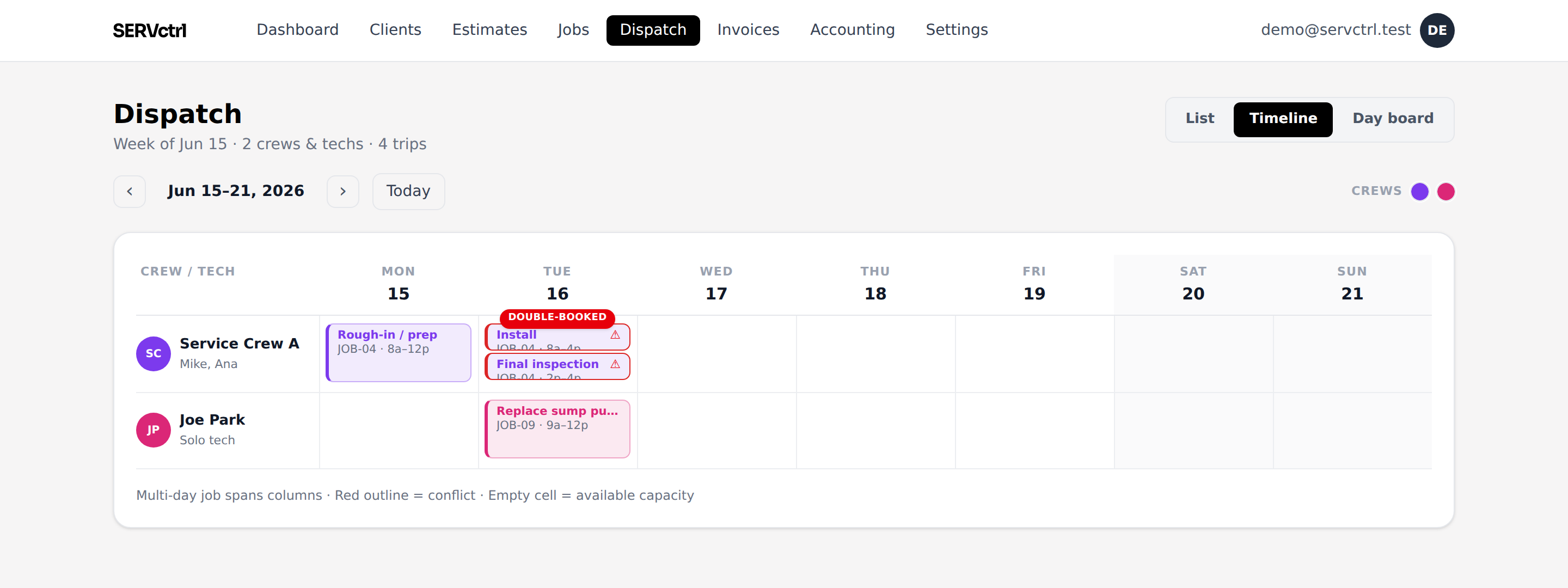
No laptop in the cab. Your guys run the job from their phone, scheduled to done, and the office sees each status update on the board.
Free during beta. No demo call, no credit card, no contract.
Three steps, no busywork.
- 1
See the day
Each tech opens today’s stop list: who, where, the window, and what’s already done.
- 2
Work the stop
Navigate, call, or text the customer in one tap. Snap photos and add notes from the site as the work happens.
- 3
Close it out
Propose a change order, record a payment or text the pay link, and capture a sign-off to finish the visit.
One-tap status the office can see
The tech taps through the visit: scheduled, en route, on site, in progress, done. Each tap updates the board back at the office, so nobody’s calling the truck for an ETA.
Change orders from the field
Found extra work on site? The tech writes it up with a price and photos and sends it in. The office approves it and it bills into the same job. No scope lost, no awkward callback.
Questions, answered.
Do techs need to install an app?
No. It runs in the phone browser. A sub can even work from a no-login work-order link for a single visit.
Can techs take payment on site?
A tech records a payment against the balance right at the truck and captures a typed sign-off. The customer can also pay the invoice by card or ACH from the pay link.
What can a tech see?
Their stops for the day, the scope from the office, the customer’s contact, and the address with navigation.
It all stays connected.
Price Book
Price Book
Learn moreDispatch
Availability-aware dispatch
Learn moreEstimating
Estimates clients e-sign
Learn moreGood/Better/Best
Good / Better / Best
Learn moreContract invoicing
Contract invoicing
Learn moreNo per-user pricing
One flat price
Learn moreNo time tracking
No time sheets. On purpose.
Learn more