Send a bid. Get it signed. Schedule it.
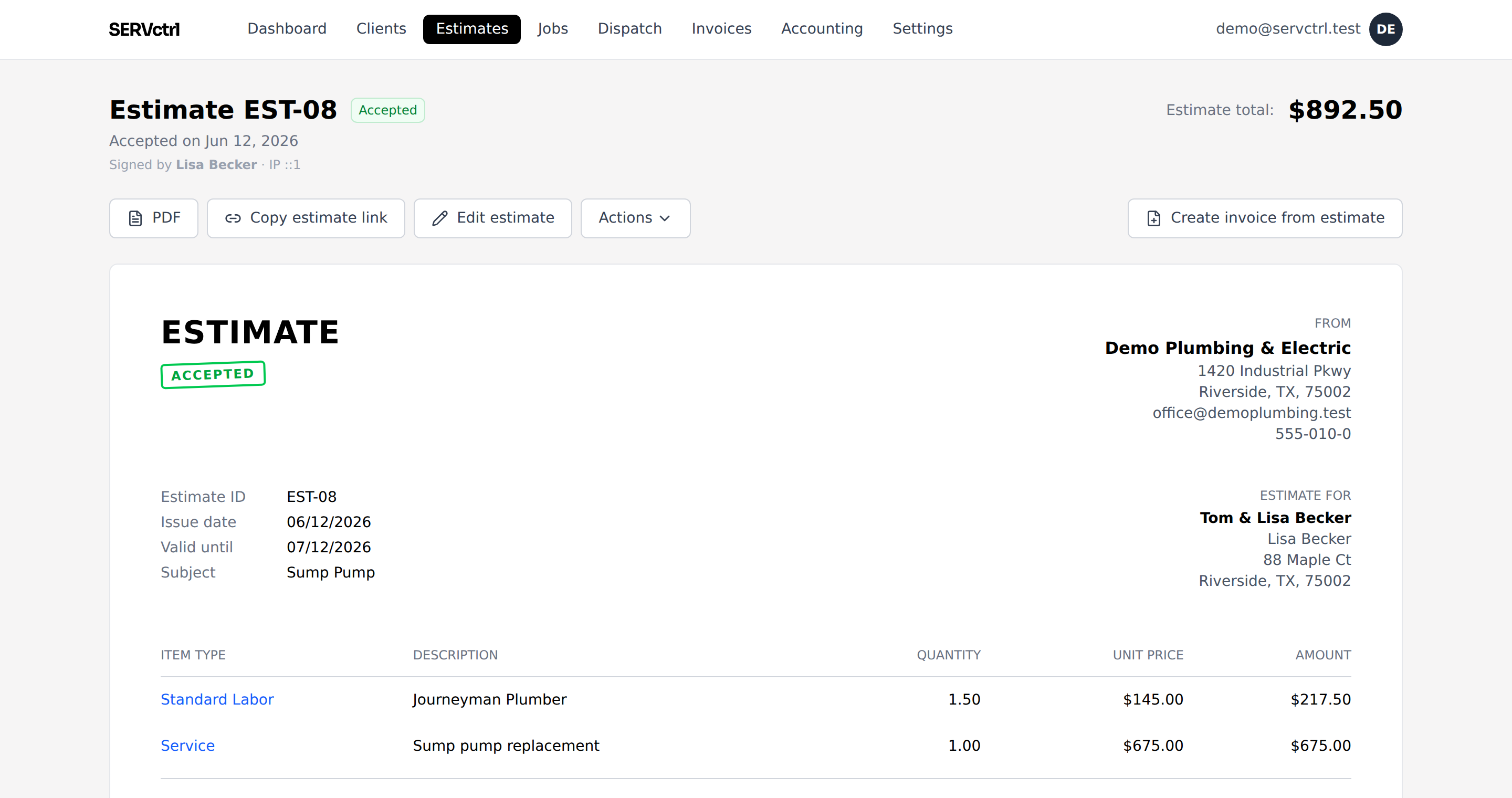
Build the bid from your price book and text a link. The customer signs off and picks a window online. No PDF dying on a kitchen counter, no phone tag.
Free during beta. No demo call, no credit card, no contract.
Three steps, no busywork.
- 1
Build from your price book
Drop in price-book items, Standard Labor, or a one-off line. Set a deposit if you want one: none, a percent, or a flat amount.
- 2
Text the link
The customer opens a clean bid, signs off to accept, and picks up to three arrival windows that work for them.
- 3
Turn it into a job
When the customer accepts, the bid becomes the contract. Schedule it and bill it from that same signed scope. Nothing gets retyped.
Give them a Good, a Better, and a Best
Turn on options and one bid carries up to three tiers over the same base scope. The customer sees each tier priced out, picks one on their phone, and the tier they choose becomes the contract. Mark one Recommended and it comes pre-selected. Most tools sell option-based proposals as an add-on or save them for a top plan; here it’s just how estimates work.
Change it without losing the thread
Need to move the scope before they sign? A revision copies the bid into a new version and carries the customer’s link forward, so they always see the latest. The old one is cleanly retired.
The accepted bid is the contract
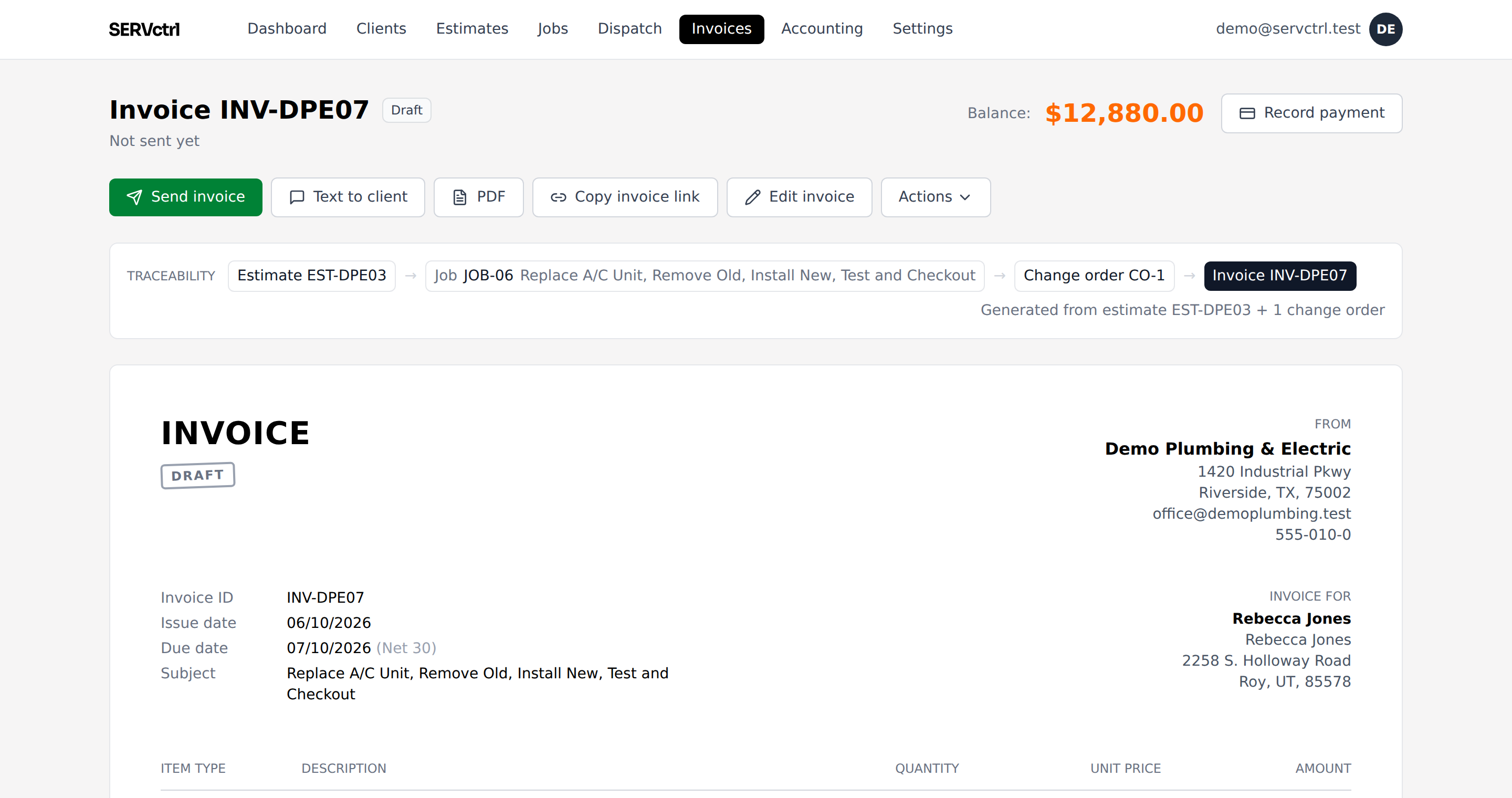
Nothing gets retyped into a separate invoicing tool. The accepted bid plus any approved change orders is what you bill against. You can bill it all at once, take a deposit up front, or bill part of the job as the work moves along.
Questions, answered.
How do customers sign?
They open the link and accept with a typed signature, captured with a timestamp and IP. No account to create.
Can I collect a deposit on acceptance?
Set a deposit on the bid, a percent or a flat amount. It drives its own deposit invoice and nets onto the final bill.
How is that different from a change order?
A revision replaces the bid before it’s accepted. A change order adds signed scope to a job that’s already accepted and underway.
It all stays connected.
Price Book
Price Book
Learn moreDispatch
Availability-aware dispatch
Learn moreGood/Better/Best
Good / Better / Best
Learn moreContract invoicing
Contract invoicing
Learn moreField app
Phone-first field app
Learn moreNo per-user pricing
One flat price
Learn moreNo time tracking
No time sheets. On purpose.
Learn more